Clinical simulation, competency assessment and AI coaching
Confident at the bedside before the first shift
Care gives nursing programmes a way to let students practise a clinical skill in VR as many times as they need, mark every attempt against the same checklist, and see who is ready for placement — before placement.
The platform
Practice, assessment and evidence in one place
Four things a programme currently does in four systems, joined up so the evidence flows between them.
-
VR clinical simulation
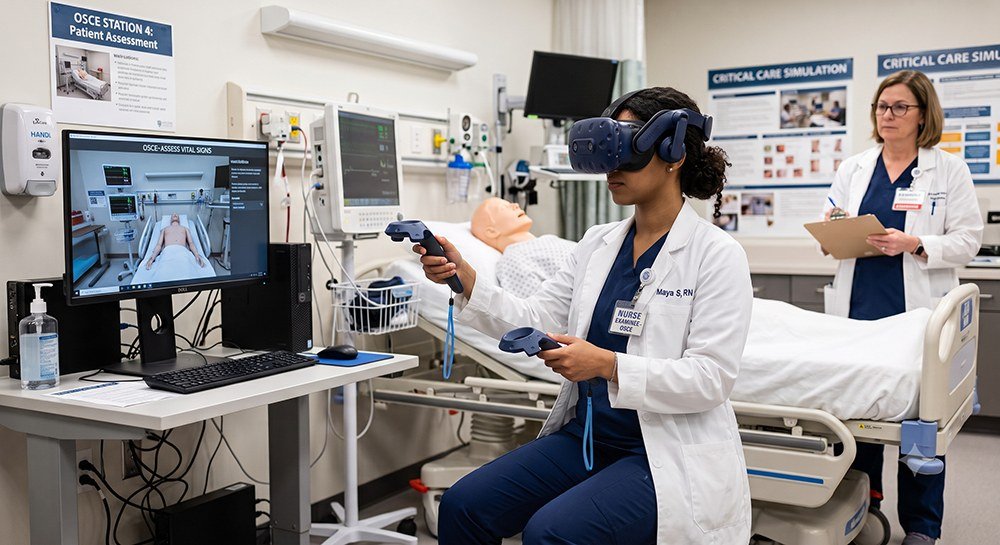
Students pair a headset with a short code and enter an assigned scenario. The same scenario, as many times as it takes, with nobody at risk.
-
Checklist-marked station exams
OSCE-style stations marked step by step against the checklist the instructor authored, so two examiners mark the same attempt the same way.
-
Instructor-authored assessments
Staff write their own instruments and decide who else may see or edit them. Scoring model and pass rules are declared per instrument, not hard-coded.
-
Live session monitoring
Staff watch an active simulation from the admin panel — which student, which scenario, which step — and can intervene without leaving the dashboard.
-
Clinical readiness score
A single score per student, computed from the assessments they have sat and the simulations they have completed, with the evidence behind it kept alongside.
-
AI study coach
A conversational coach that reads a student’s own assessment and simulation history and explains what to practise next. Private to the student.
-
Mock interviews and profile
AI-run practice interviews and a drafted professional summary, so a graduate leaves with a portfolio as well as a transcript.
-
Cohort analytics
Completion, readiness and the items a cohort most commonly fails — visible before placement rather than after it.
How it works
Assign, practise, prove
Three steps, and the third is the one programmes struggle with today.
-
Step 1
Assign the work
Staff assign an assessment or a VR experience to a cohort from the admin panel, with a deadline. Nothing is visible to a student until it is assigned to them.
-
Step 2
Students practise and sit
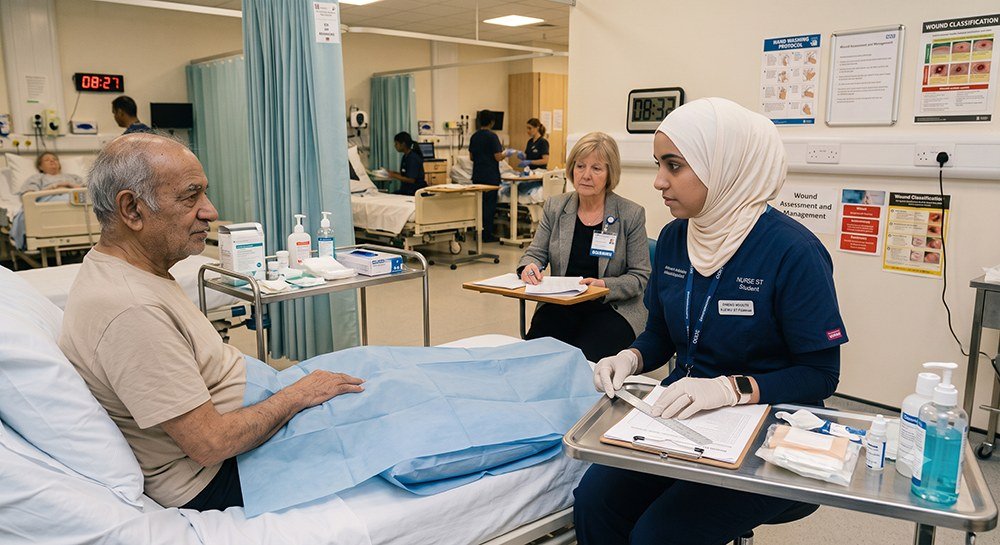
Assessments are taken in the browser. Simulations run on a headset paired with a one-time code, and the same experience also has a station-exam form an examiner marks in person.
-
Step 3
The evidence accumulates
Every attempt is marked against the same checklist and kept. Readiness scores, badges and cohort analytics update from that record — nothing is re-derived from settings that may have changed since.
For institutions
Built for a programme, not a classroom
Care runs multiple institutions on one install. Each sees its own students, its own instruments and its own analytics, and staff see only the students they supervise.
Staff work entirely inside the admin panel. There is no second system to keep in step.

- Institution-scoped by default — a record belonging to another institution is not found, not merely hidden
- Role-based access for platform admins, institution admins, instructors and students
- Staff assignment decides which cohorts and students an instructor can reach
- Headset inventory, experience entitlement and pairing managed per institution
- Full English and Arabic interface, including right-to-left layout
- Activity logging across administrative actions
Get in touch
See it on your own programme
Tell us about your programme and we will get back to you. We will walk through the platform with your modules, your cohorts and your reporting requirements.